
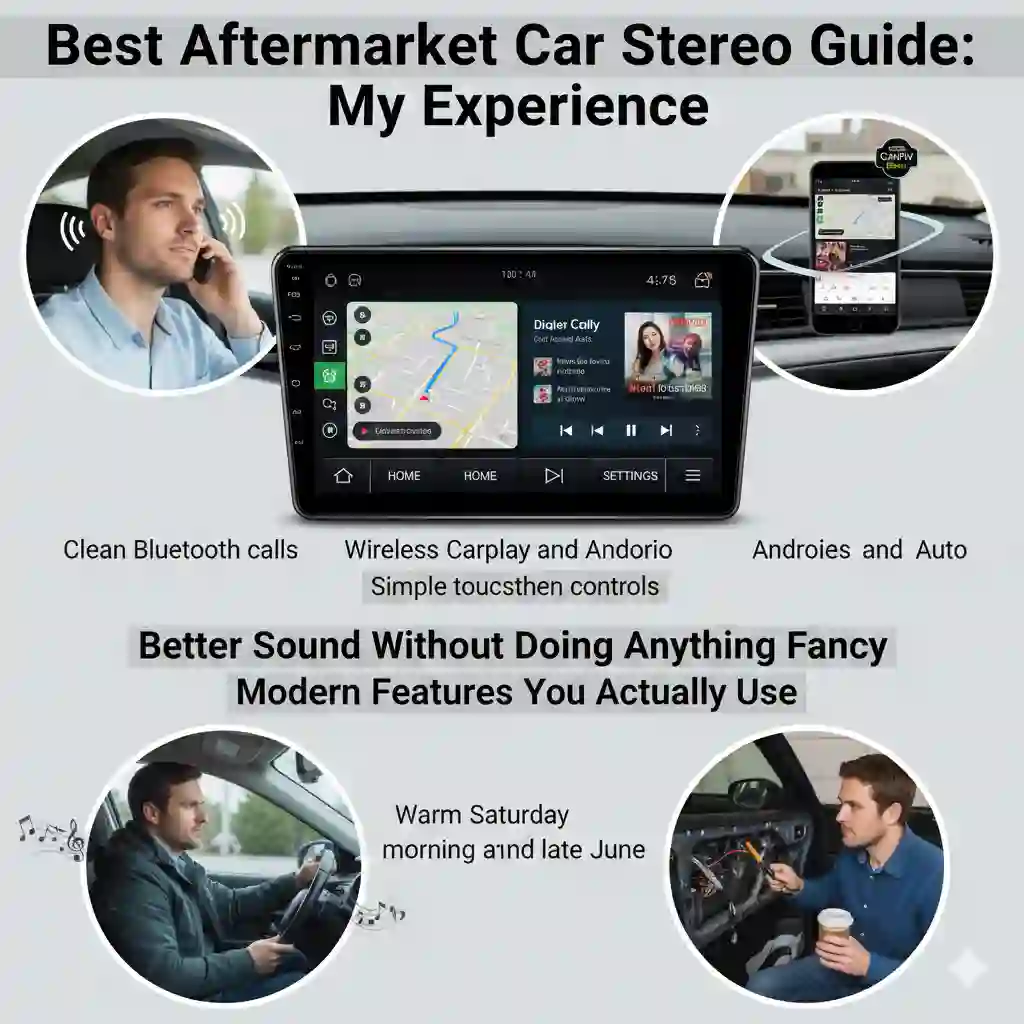
Upgrading a car stereo sounds simple. But the first time I did it, I stood in my garage on a warm Saturday morning in late June, holding a trim panel in one hand and a cup of gas-station coffee in the other, wondering why the clips sounded like they were breaking even when they weren’t. That day pushed me to put together my own best aftermarket car stereo guide, based on real use, real mistakes, and real wins.
I’ve tested stereos in places where the weather plays games with your patience. Humid Florida heat made screens sweat. Dry Arizona air made plastic so brittle I could hear it crackle. And in cold Midwest mornings, Bluetooth acted like it wanted a nap. So, yeah — I’ve learned things the long way, and I’m sharing them here in plain, quick sentences anyone can follow.
What an Aftermarket Car Stereo Actually Does (In Real Life)
When people say “upgrade your stereo,” they often mean “make your daily drive less annoying.” Here’s what that really looks like.
Better Sound Without Doing Anything Fancy
One of the first things I noticed was the sound. Clear highs. A little more thump. Even on a quick run to the store with the windows cracked on a chilly February morning, music felt fuller. Factory units often sound flat because they use low-powered amps. Aftermarket ones push a cleaner signal, so even cheap speakers wake up.
If you want a clean and simple upgrade, something like the Sony XAV-AX3200 works great on daily drives.
Modern Features You Actually Use
I used to take calls that sounded like I was speaking from the bottom of a well. A new head unit fixed that fast. I’ve had good luck with units that keep calls clear and screens smooth, like the Pioneer DMH-2660NEX.
- Clean Bluetooth calls
- Wireless CarPlay and Android Auto
- Simple touchscreen controls
Navigation felt smoother. Music apps loaded fast. And split-screen made long drives less boring.
How to Choose the Right Size and Fit
Before buying anything, you want to make sure it actually fits your dash — speaking from experience, returning car parts is a Monday headache.
Single DIN vs Double DIN (Explained Like a Human)
A single DIN is small and rectangular. A double DIN is the bigger one with the big touchscreen. Most newer cars use double DIN. The easiest way to know? Look at your dash. If it looks wide and square, you’re likely double DIN. Beginners usually prefer double DIN for the big screen feel. If you want a starter-friendly double DIN with a bright screen, the ATOTO F7 is an easy pick.
Dash Kit & Wiring Harness Basics
The harness is the “translator.” It connects your car to the new radio. A good plug-and-play harness saves hours.
I once dropped a tiny screw deep inside the dash. I froze. I listened. Then I heard it ping down the plastic like it was mocking me. Don’t be me — use magnetic bits.
Features That Matter (And a Few That Don’t)
Not every shiny feature makes your drive better. These are the ones that genuinely help.
IPS Display vs Regular Display
IPS screens stay bright even when sunlight hits, which helps a lot when you’re driving east in the morning.
- Wider angle
- Sharper colors
- Better clarity
A regular screen feels washed out. IPS feels clean.
DSP (Digital Signal Processing) in Plain English
DSP lets you shape sound without changing speakers. Just tap presets.
One evening, I sat in a noisy parking lot adjusting the EQ. With DSP, it took seconds. Without it, it would’ve taken hours.
Wireless CarPlay & Android Auto
Wireless feels smooth. No cables. No tangles.
Wired is a bit faster, but wireless wins for comfort. Latency is low enough that you forget about it.
Backup Camera Compatibility
AHD cameras look sharper. Standard cameras look softer. If your screen goes black, check:
- Power wire
- Ground point
- Input setting
Most beginners plug the camera into the wrong input. I did too. Twice. If you want a clear AHD feed, the Natika AHD Backup Camera is sharp and easy to wire.
Installation Basics (DIY-Friendly but Not Overwhelming)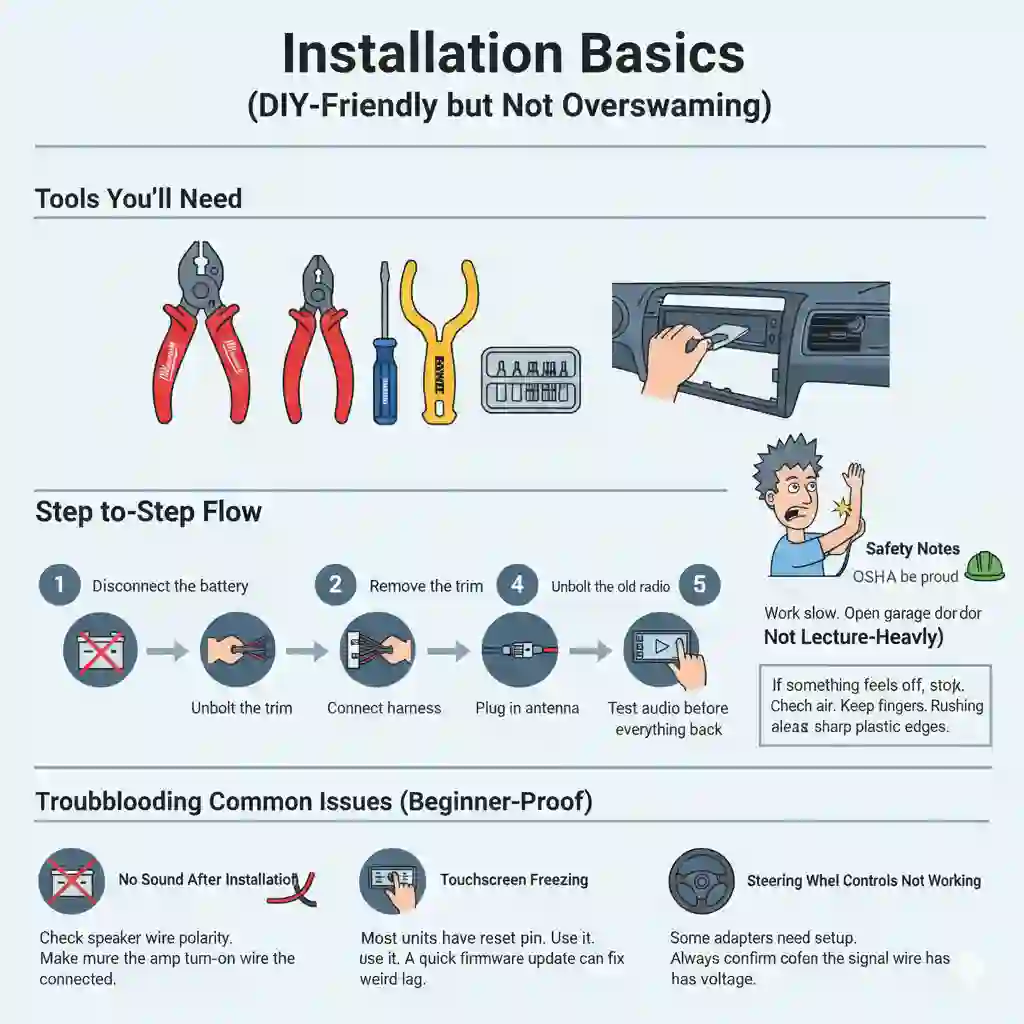
Installing a stereo isn’t rocket science, but it does help to know the vibe before you start.
Tools You’ll Need
You don’t need a full shop. A few basics work great:
- Wire crimpers
- Panel poppers
- Screwdrivers
- Magnetic bits (trust me, life saver)
I use tools from Milwaukee, Craftsman, and DeWalt, depending on the job. A small set like the Craftsman 8-piece tool kit works well for most installs.
Step-by-Step Flow
- Disconnect the battery
- Remove the trim
- Unbolt the old radio
- Connect harness
- Plug in antenna
- Test audio before pushing everything back
If something feels off, stop. Check the wires. Rushing always leads to regrets.
Safety Notes (Simple, Not Lecture-Heavy)
I once brushed a live wire and saw a tiny spark jump. It startled me so hard I hit my head on the door frame. Work slow. Open the garage door for fresh air. Keep fingers clear of sharp plastic edges. OSHA would be proud.
Troubleshooting Common Issues (Beginner-Proof)
Even a perfect install can act weird. Here’s how to avoid the “why isn’t this working?” spiral.
No Sound After Installation
- Check speaker wire polarity
- Make sure the amp turn-on wire is connected
Touchscreen Freezing
Most units have a reset pin. Use it. A quick firmware update can fix weird lag.
Steering Wheel Controls Not Working
Some adapters need setup. Always confirm the signal wire has voltage.
When It’s Worth Upgrading Your Speakers Too
Sometimes the head unit alone feels good — but pairing it with speakers feels really, really good.
Signs Your Speakers Are Holding Back Your New Stereo
- Distortion at higher volume
- Weak or muddy bass
Easy, Beginner-Friendly Speaker Upgrades
Coaxial speakers are simple. Components give cleaner sound but need extra work. If you’re unsure, upgrade the front first. Then the rear. Small steps feel better. For a simple drop-in upgrade, Pioneer TS-A1680F coaxial speakers sound clean without extra work.
FAQs of The Best Aftermarket Car Stereo Guide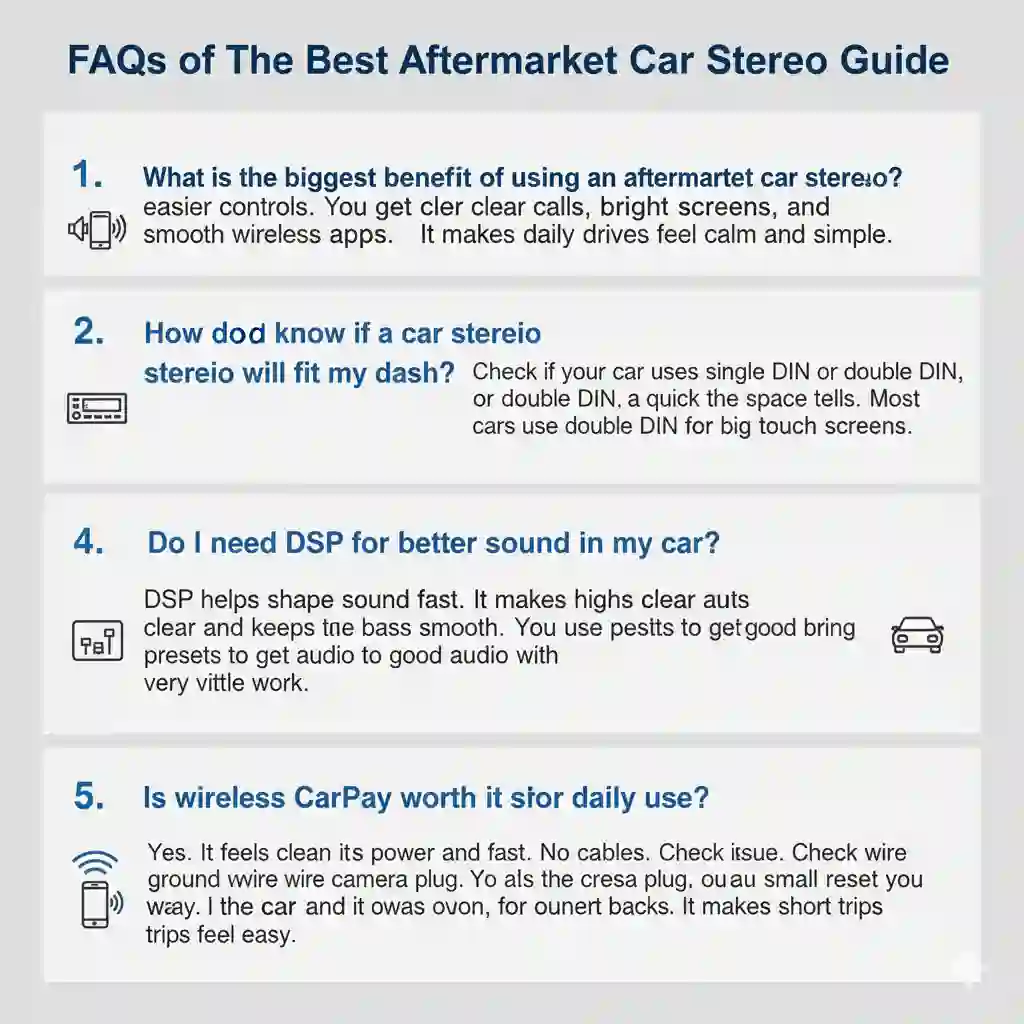
1. What is the biggest benefit of using an aftermarket car stereo?
It gives better sound and easier controls. You get clear calls, bright screens, and smooth wireless apps. It makes daily drives feel calm and simple.
2. How do I know if a car stereo will fit my dash?
Check if your car uses a single DIN or double DIN. A quick look at the space tells you. Most cars use double DIN for big touch screens.
3. Do I need DSP for better sound in my car?
DSP helps shape sound fast. It makes highs clear and keeps bass smooth. You can use presets to get good audio with very little work.
4. Why does my backup camera show a black screen?
Most times it is a power or input issue. Check the ground wire and the camera plug. A small reset can also bring the screen back.
5. Is wireless CarPlay worth it for daily use?
Yes. It feels clean and fast. No cables in the way. You start the car and it connects on its own. It makes short trips feel easy.
Final Thoughts (Keep It Simple & Real)
An aftermarket stereo isn’t just a tech upgrade. It’s a little slice of comfort on the road.
A Quick Reminder Before Buying
- Check the size
- Make a wish list of features you’ll use
- Don’t overthink it
Your daily drive should feel easy. A good stereo helps more than people think. And if this best aftermarket car stereo guide saves you even one headache, then it’s worth the time I spent chasing screws under my dash.